A simple beginner guide that shows you the exact basics you need to start using LiveCanvas without confusion.
Start Building Pages with LiveCanvas in Minutes
What’s Inside
A clear explanation of how the LiveCanvas layout system works
The 7 most important things beginners should learn first
A simple step-by-step example showing how to build your first section
Practical tips to avoid common beginner mistakes
Perfect if you're new to LiveCanvas and want a quick starting point without digging through long tutorials.
Downloadable PDF
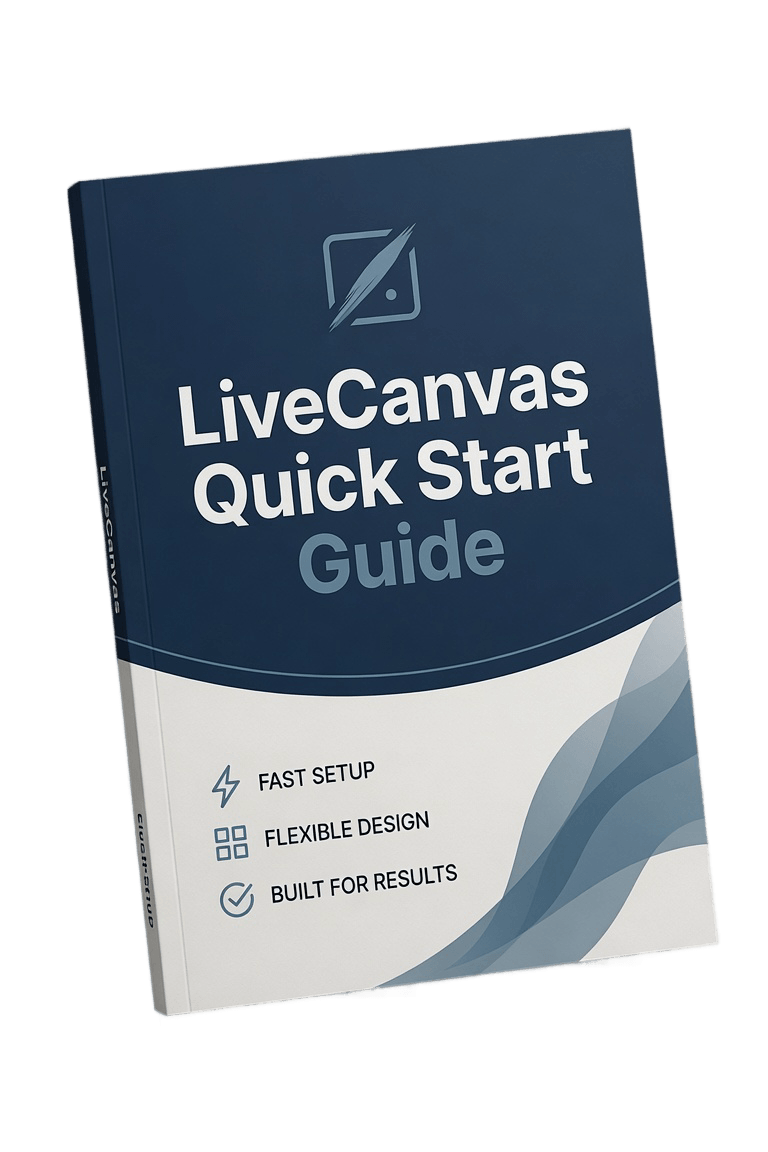
Starting With LiveCanvas Can Feel Confusing
If you're new to LiveCanvas, it can take time to understand how everything fits together.
Many beginners struggle with things like:
Understanding sections, rows, and columns
Creating clean layouts
Knowing where to start when building a page
Avoiding messy spacing and alignment problems
This quick guide simplifies the basics so you can start building pages right away.

About The Author
Gary Lacey
When I first started using LiveCanvas, I noticed that many beginners struggle with the same problem: figuring out where to start. LiveCanvas is powerful and flexible, but if you're new to it, the layout structure and workflow can feel confusing at first.
I created this quick start guide to make that first step easier.
Instead of spending hours trying to understand sections, rows, columns, and layout structure, this guide walks you through the basics in a simple and practical way. My goal was to give you a short resource you can read quickly and then immediately apply while building your first page.
Inside the guide, you'll find the core concepts that make LiveCanvas work, along with a simple example that shows how to build a section step by step. These are the same fundamentals I wish I had when I first started.
This guide is not meant to be complicated or overwhelming. It's designed to help you understand the basics quickly so you can start building and experimenting with confidence.
If you're completely new to LiveCanvas, this should give you a clear starting point and help you avoid some of the common beginner mistakes along the way.
What You'll Learn
Inside the Quick Start Guide
A simple explanation of how the LiveCanvas layout system works
The 7 most important things beginners should learn first
A step-by-step example showing how to build your first section
Practical beginner tips that prevent common layout mistakes
The guide is short, practical, and easy to follow.
Who This Guide Is For
This Guide Is Perfect For
WordPress users trying LiveCanvas for the first time
Beginners who want a simple starting point
People who prefer step-by-step instructions
Anyone who wants to build cleaner page layouts faster
If you want to understand LiveCanvas quickly without digging through long tutorials, this guide will help.
Drive consistent traffic to your videos in just days...
We HATE spam. Your email address is 100% secure